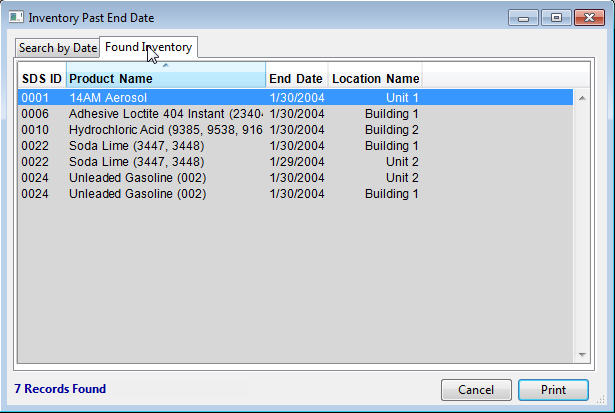
Inventory Past End Date is used to determine which product records have passed their end date at a specific location.
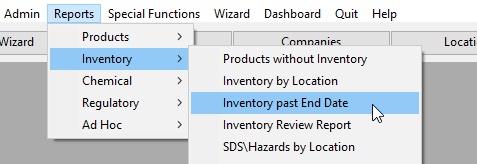
To launch the report:
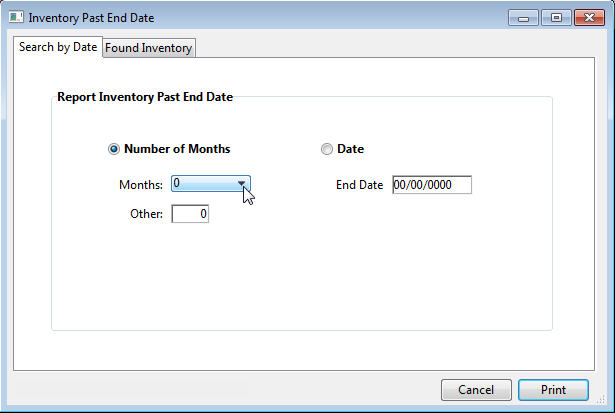
Inventory can be searched by choosing Number of Months or Date under the primary tab. The "Found Inventory" tab can be used to view inventory after the number of months prompted in the "Number of Months" chosen:
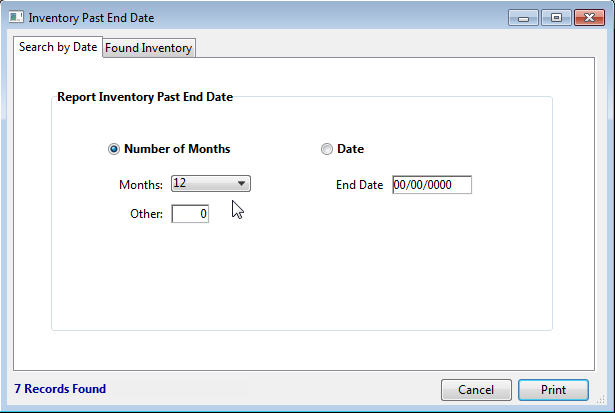
Inventory from the past year, for example, can be viewed by choosing "12 months" and viewing the output by either 1. Print or 2. using the Found Inventory tab:
Choosing "Found Inventory" instead of Print will display items found (and can be printed or viewed):