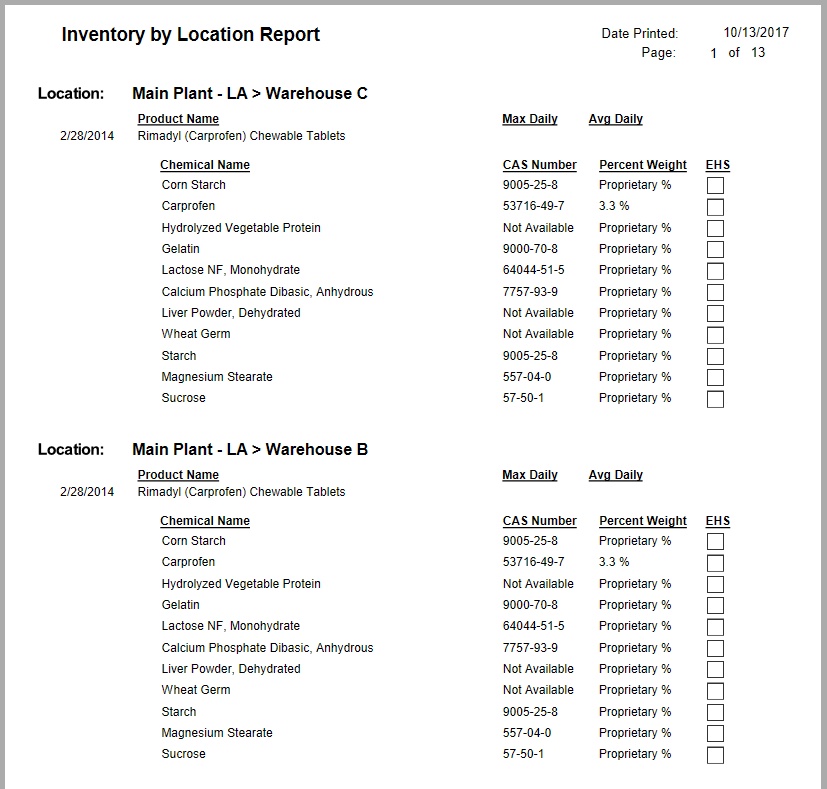
Inventory by Location is available from the Reports Control Panel. This allows printing of all inventory and chemical records for products at specific storage locations.
To launch the report:
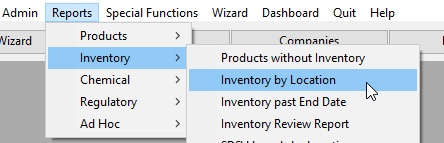
Select the desired Location options.
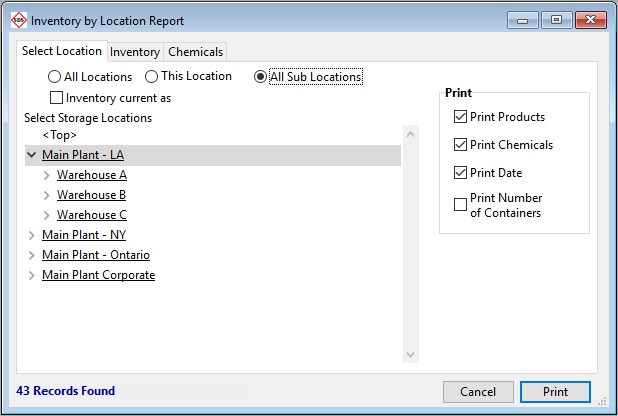
The Inventory tab will display the related Inventory.
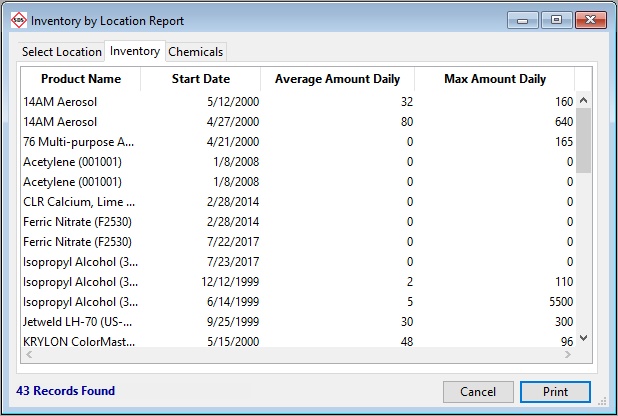
The Chemical tab displays the related Chemicals.
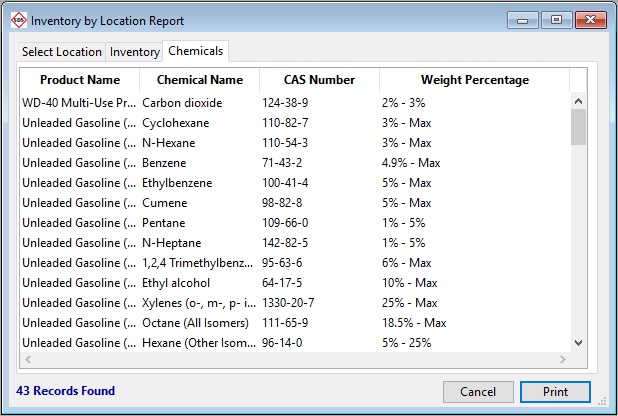
Click Print to generate the report.