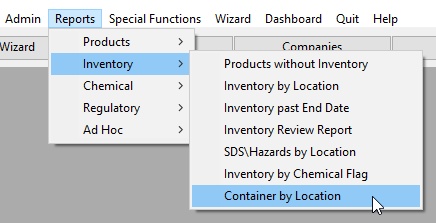
Container by Location is available from the Reports Control Panel. This report creates a list of all containers and their associated products stored at a location.
To launch the report:
Select the desired Location and other options.
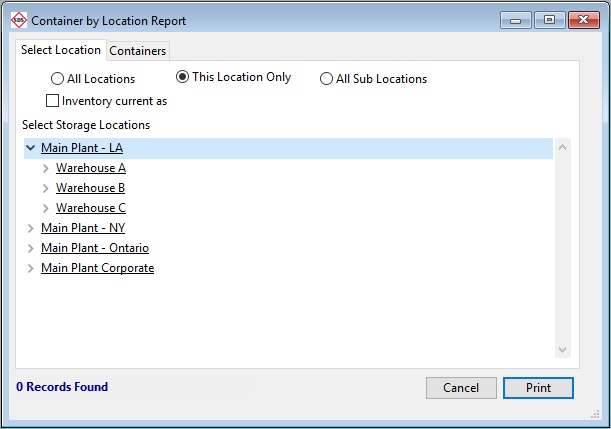
Select the Containers tab to view the container list.

Optionally you may Print the report.
