If the SDSpro Dashboard is not already open, either a) select Dashboard from the customizable dashboard, or b) from the top toolbar, select Dashboard, Launch Dashboard.
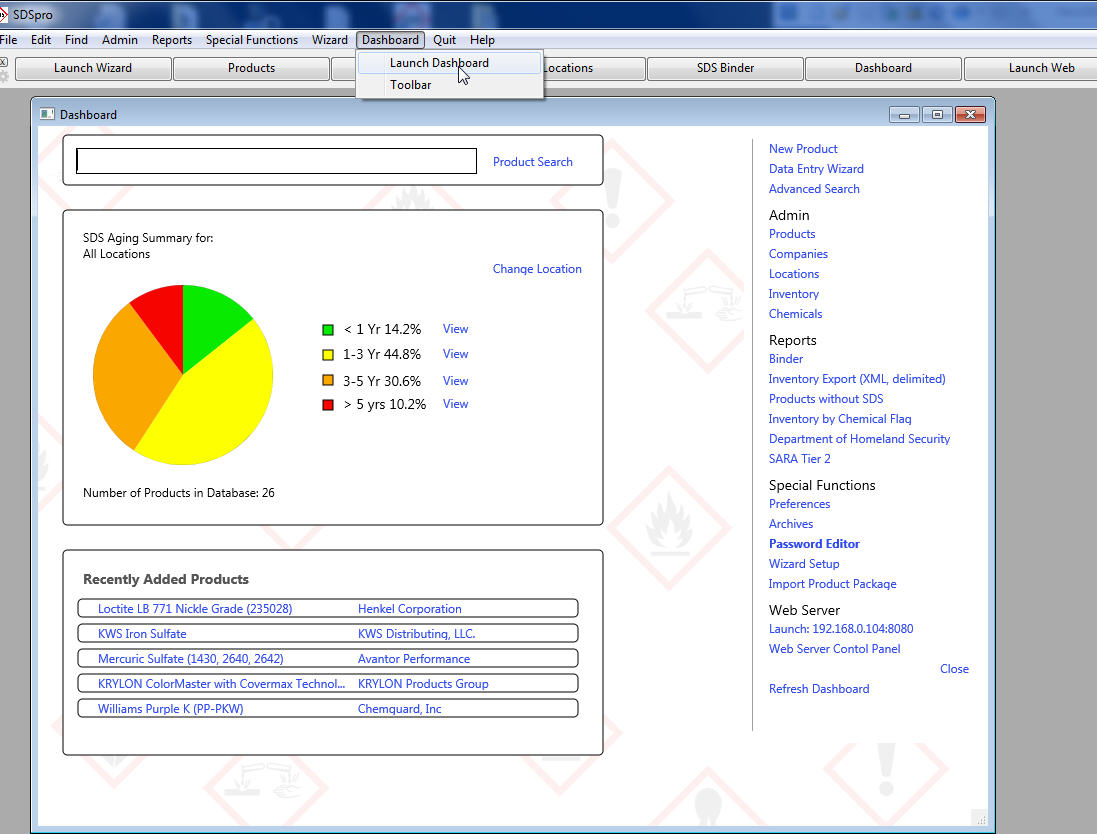
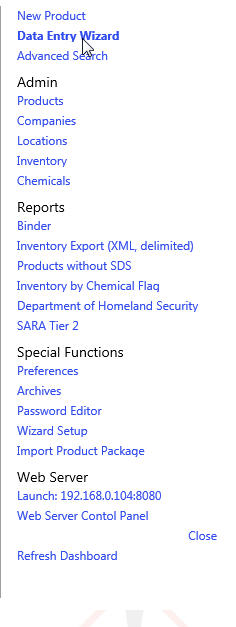
With the open Dashboard, look to the options on the right-hand side.
Select "Data Entry Wizard":
A Wizard Job choice box will appear similar to the following:

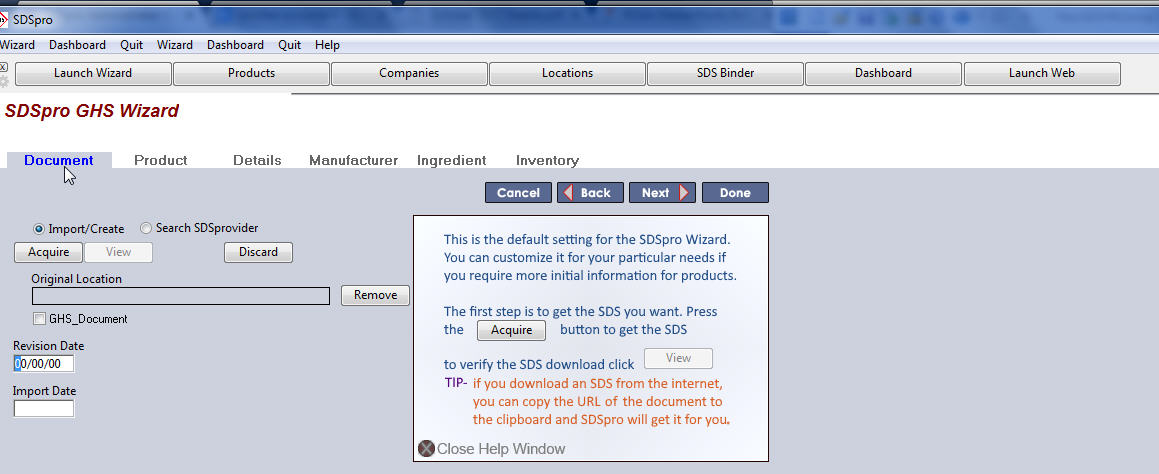
1. Enter the title for the location of new document to be imported. Click whether it is/is not a GHS document (check box).
2. The Wizard will walk you through the steps needed to import a GHS or non-GHS document.