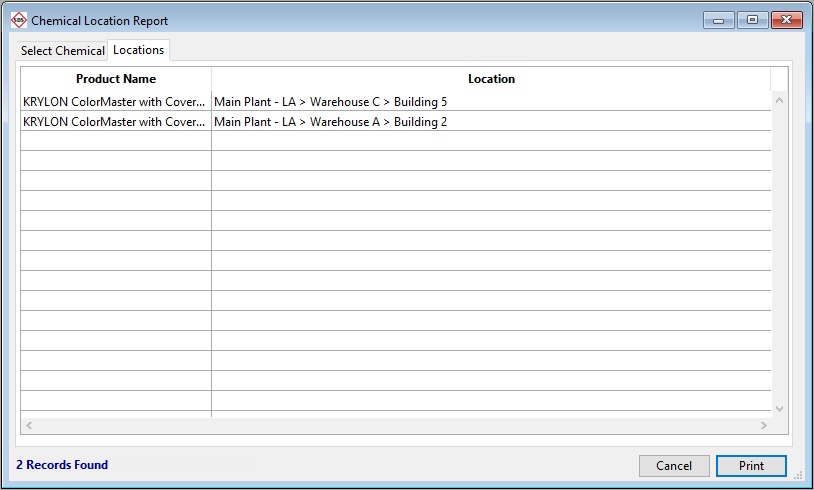
The Chemical Location report is available from the Reports Control Panel. This allows printing of all Chemical listings which are stored at specific Storage Locations, sorted by the Product they comprise.
To launch the report:
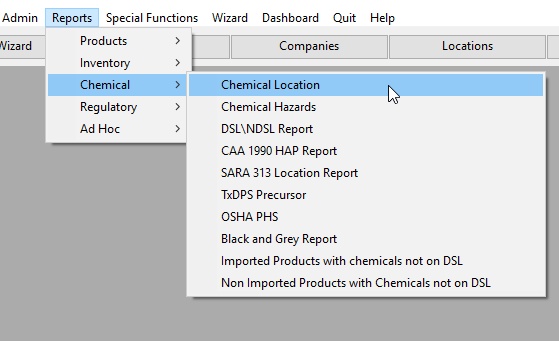
Select the Chemical(s) to report.
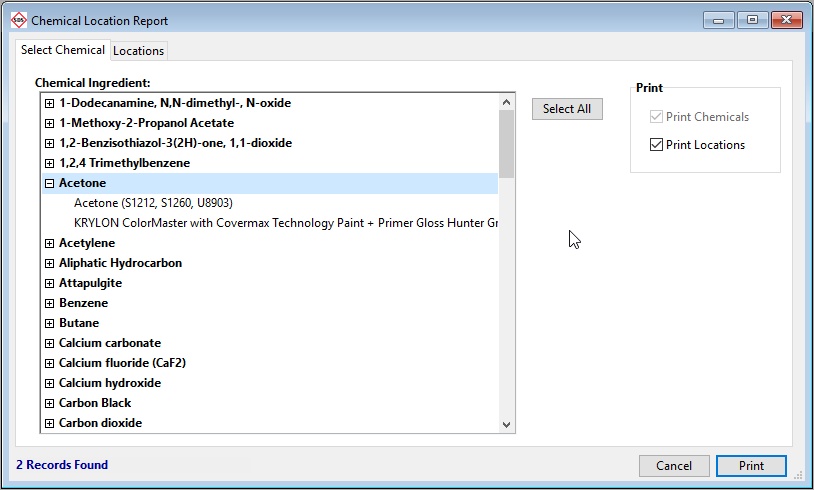
The number of Locations in which the chemical is stored will be displayed under the list of chemicals. If a plus sign (+) is shown to the left of a chemical, clicking it will show the product names that use the chemical as an ingredient.
Choose whether to Print Chemicals with or without locations by clicking the applicable check boxes.
Click the Locations tab to preview the products and locations which contain the selected chemical(s). The number of locations in which the chemical is stored will be displayed under the list of chemicals.